Stream Your PC Games to a Samsung TV — Sunshine + Moonlight
Cloud gaming like GeForce Now costs a monthly subscription. But what if you used your own PC's graphics card to stream high-end PC games to the big Samsung TV in your living room? All you need is Sunshine (host) on the PC and Moonlight (client) on the TV. It's free. Here's a beginner-friendly walkthrough from install to actually playing a game.
I have an 85-inch TV, and when I first bought it I tried a month-long demo of Microsoft Xbox (cloud) and GeForce Now. I was impressed that a remote cloud PC could stream to my living-room TV so I could enjoy demanding games on a huge screen without stutter. But a monthly subscription just isn't reasonable for someone who games only occasionally, so after a few tests I dropped it.
Then I heard that Samsung TVs (Tizen) support Moonlight too, and tried it right away. The principle is identical to GeForce Now, except the server is my own home PC instead of the cloud. Zero subscription cost.
First, understand the setup (it's simple)
It's not complicated. Just two programs form a pair.
│
│ streams the game video in real time over your home Wi-Fi/LAN
▼
📺 Samsung TV — Moonlight (client / receiver)
In other words, the PC actually runs the game, and the TV just receives and displays the video and sound. Your input (keyboard, mouse, gamepad) on the TV side is sent back to the PC. The TV needs no horsepower at all — the PC does all the heavy lifting.
What you need
| PC (game server) | A PC with a GPU hardware encoder. NVIDIA (recommended), or a recent AMD / Intel integrated GPU also works. Windows here. |
|---|---|
| TV (receiver) | Samsung Smart TV (Tizen OS) |
| Network | PC and TV on the same router (same network). Wired Ethernet on the PC is recommended (Wi-Fi causes artifacts and lag). |
| Cost | Free (both Sunshine and Moonlight are open source) |
Why NVIDIA recommended? Sunshine compresses the game video in real time using your GPU's hardware video encoder. NVIDIA (NVENC) is the most proven; recent AMD (AMF) and Intel (QuickSync) work too. A CPU alone has too much latency, so a GPU encoder is effectively required.
Sources: LizardByte/Sunshine · Moonlight Setup Guide
STEP 1 Install Moonlight on the TV (via Apps2Samsung)
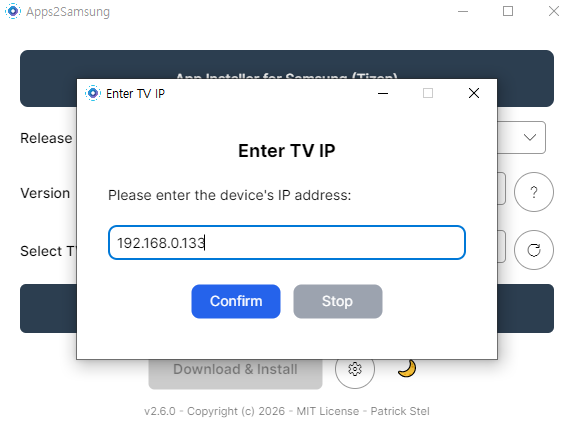
Moonlight isn't offered in Samsung's official TV app store, so you have to sideload it. Fortunately, the Apps2Samsung tool I covered previously lets you install Moonlight onto the TV from a Windows PC in just a few clicks.
📌 I've written a detailed guide on installing and using Apps2Samsung in my previous post. If you haven't done Developer Mode → Apps2Samsung install → TV connection yet, start there first.
👉 Install Unofficial Apps on a Samsung TV with Apps2Samsung (VLC, Jellyfin) — read this first
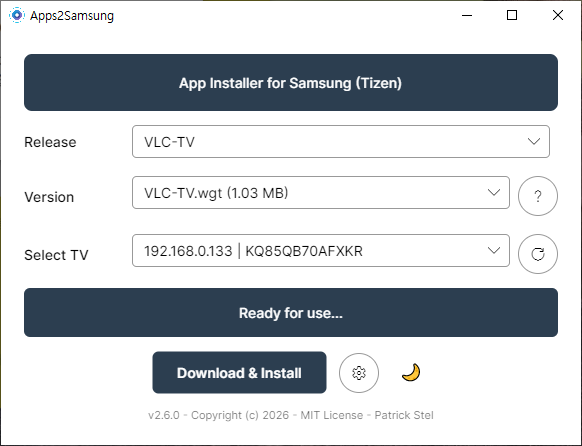
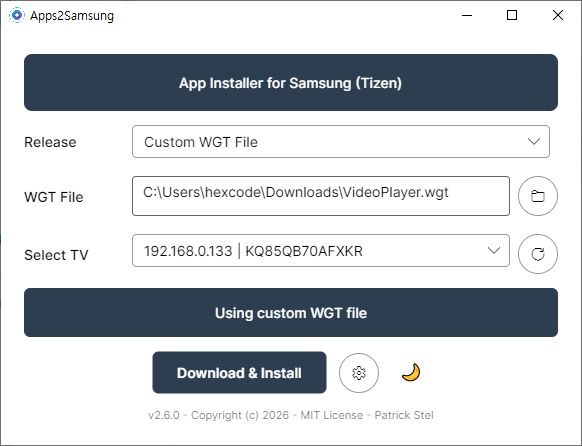
Once Apps2Samsung is ready, pick Moonlight from the Release list and press Download & Install.
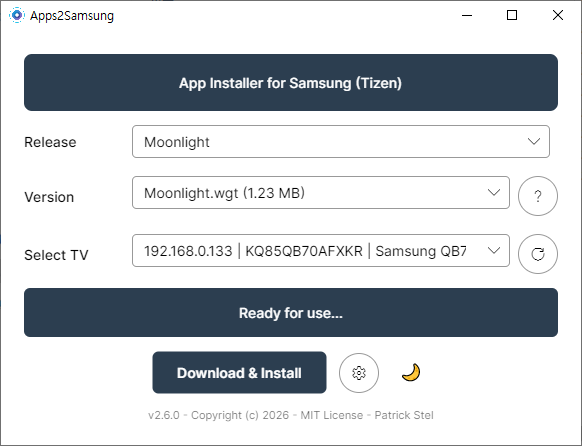
▲ Select Moonlight under Release in Apps2Samsung. With "Ready for use…" showing, click Download & Install.
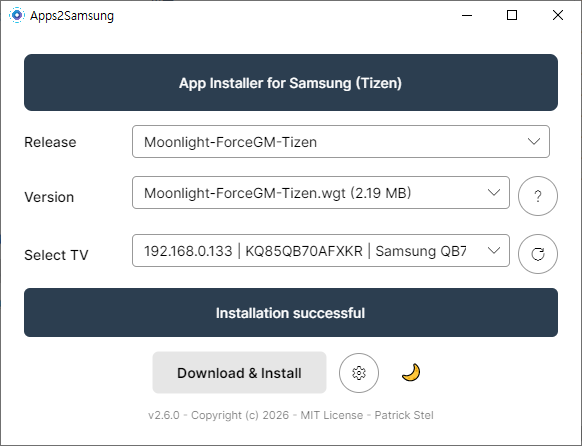
▲ "Installation successful." Note: the Moonlight-ForceGM-Tizen build forces gamepad mode — a useful alternative if your controller isn't recognized.
After installing, you'll find Moonlight in Samsung's 'Downloaded apps' under the Apps menu.
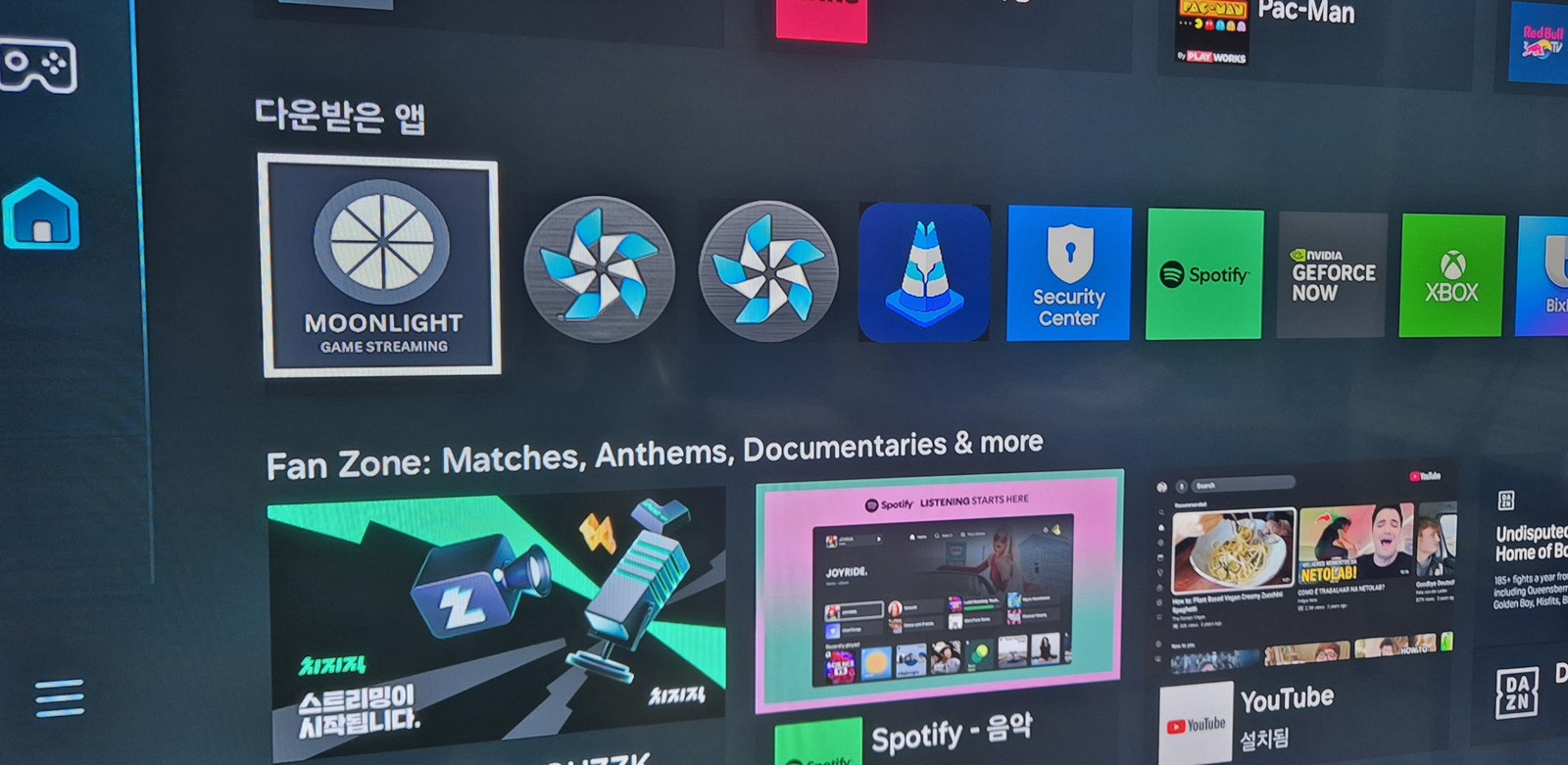
▲ MOONLIGHT GAME STREAMING sitting in 'Downloaded apps'. We'll launch it shortly during pairing.
STEP 2 Install Sunshine on the PC
Now for the PC that actually runs the games. Sunshine is an open-source program that turns your PC into a game-streaming server.
Download: github.com/LizardByte/Sunshine/releases — I grabbed the Windows installer, Sunshine-Windows-AMD64-installer.msi.
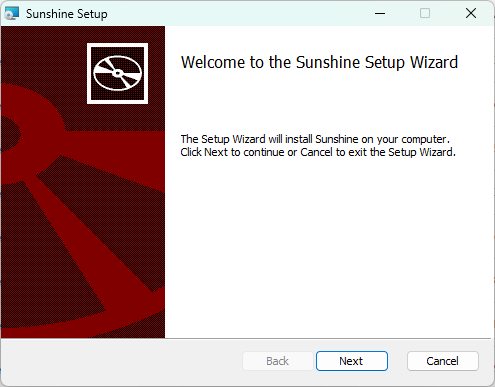
▲ The Sunshine setup wizard. Just click Next and install with the defaults.
Launched it but no window appears? (That's normal)
After installing, when you launch Sunshine a command window flashes briefly and then nothing shows up. It didn't fail to start — it's running in the background. To configure and control it, click (right-click) the Sunshine icon in the system tray at the bottom-right and choose Open Sunshine.
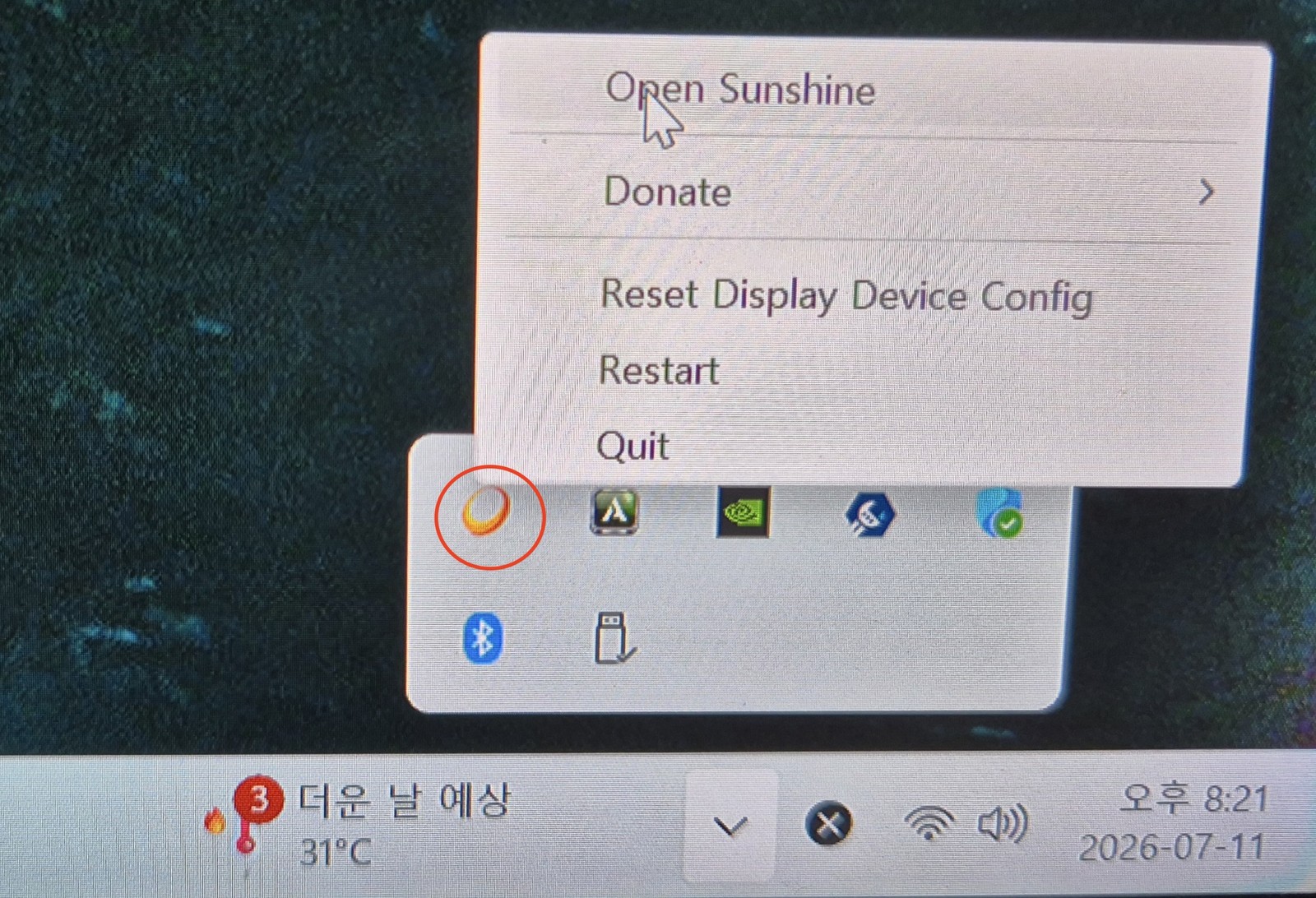
▲ The sun-shaped Sunshine icon in the tray (red circle) → Open Sunshine. If the tray is hidden, click the ∧ button to expand it.
Clicking it opens the local web interface (Sunshine's control panel) in your browser. At https://localhost:47990 you'll get a certificate warning — since it's a local connection it's safe, so click [Advanced] → [Proceed] to continue.
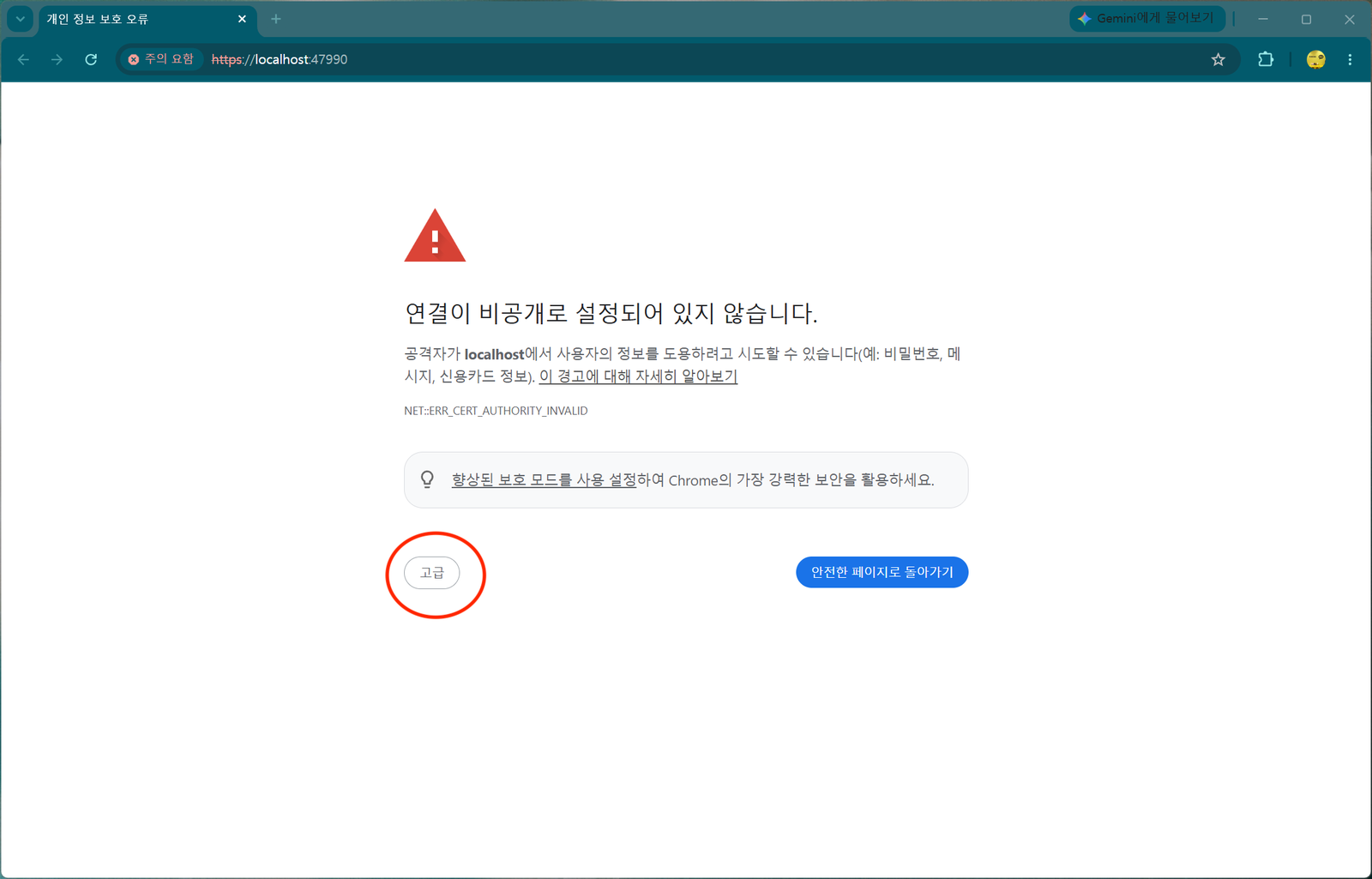
▲ The "Your connection is not private" warning. Since you're connecting to your own PC, click [Advanced] (red circle) to proceed.
On first connect it asks you to set a password for the web interface. The default username is sunshine. It's for security; since I never connect from outside, I kept it simple. After setting the password, you're returned to the login screen — log in with it.
Install the ViGEmBus driver for gamepads
After logging in, the home screen warns that the "ViGEmBus Driver is not installed". This is the driver that emulates a virtual gamepad (controller); press Fix Now and it installs automatically.
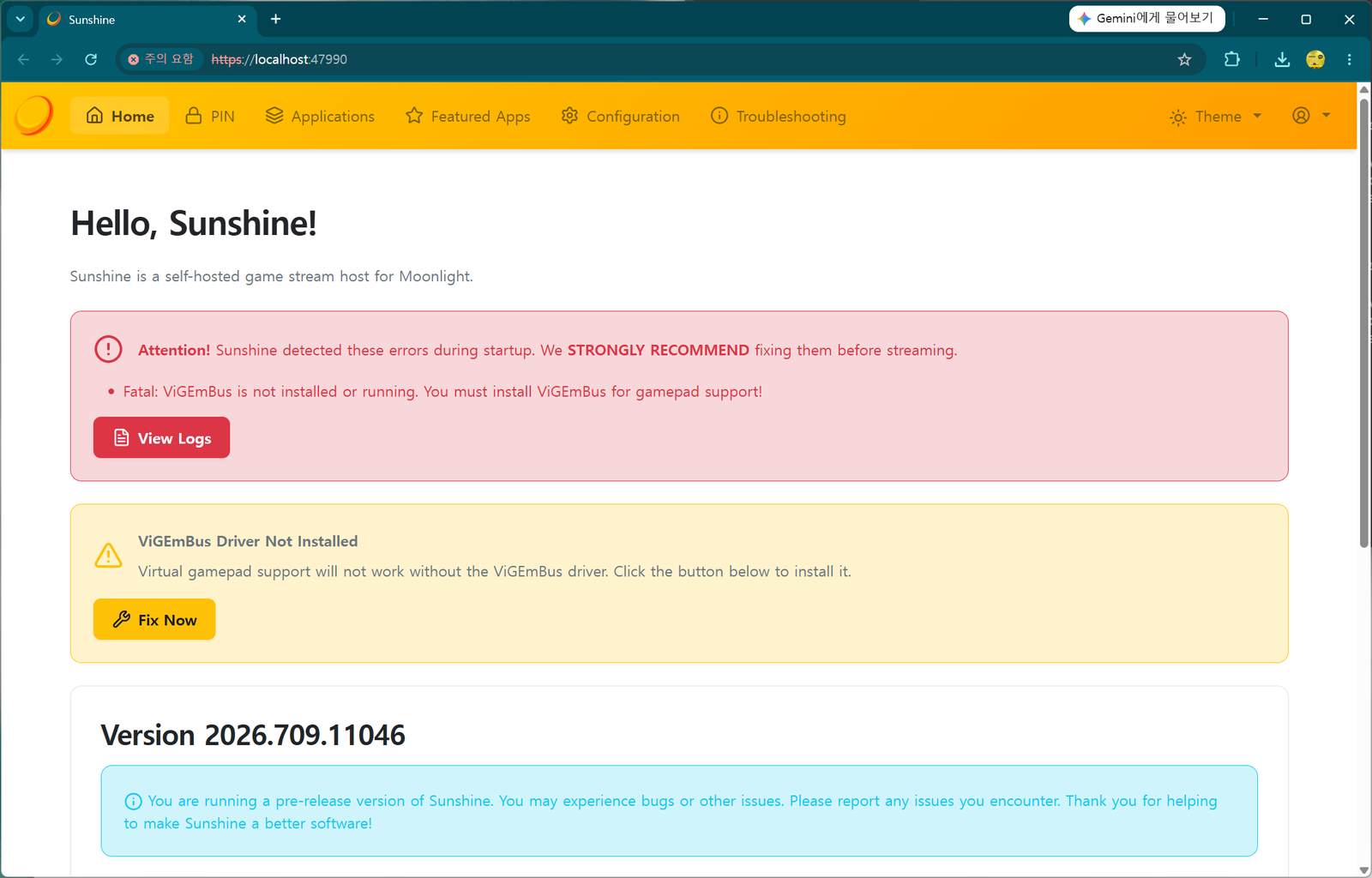
▲ The "Fatal: ViGEmBus is not installed" warning. Click Fix Now in the yellow box to auto-install.
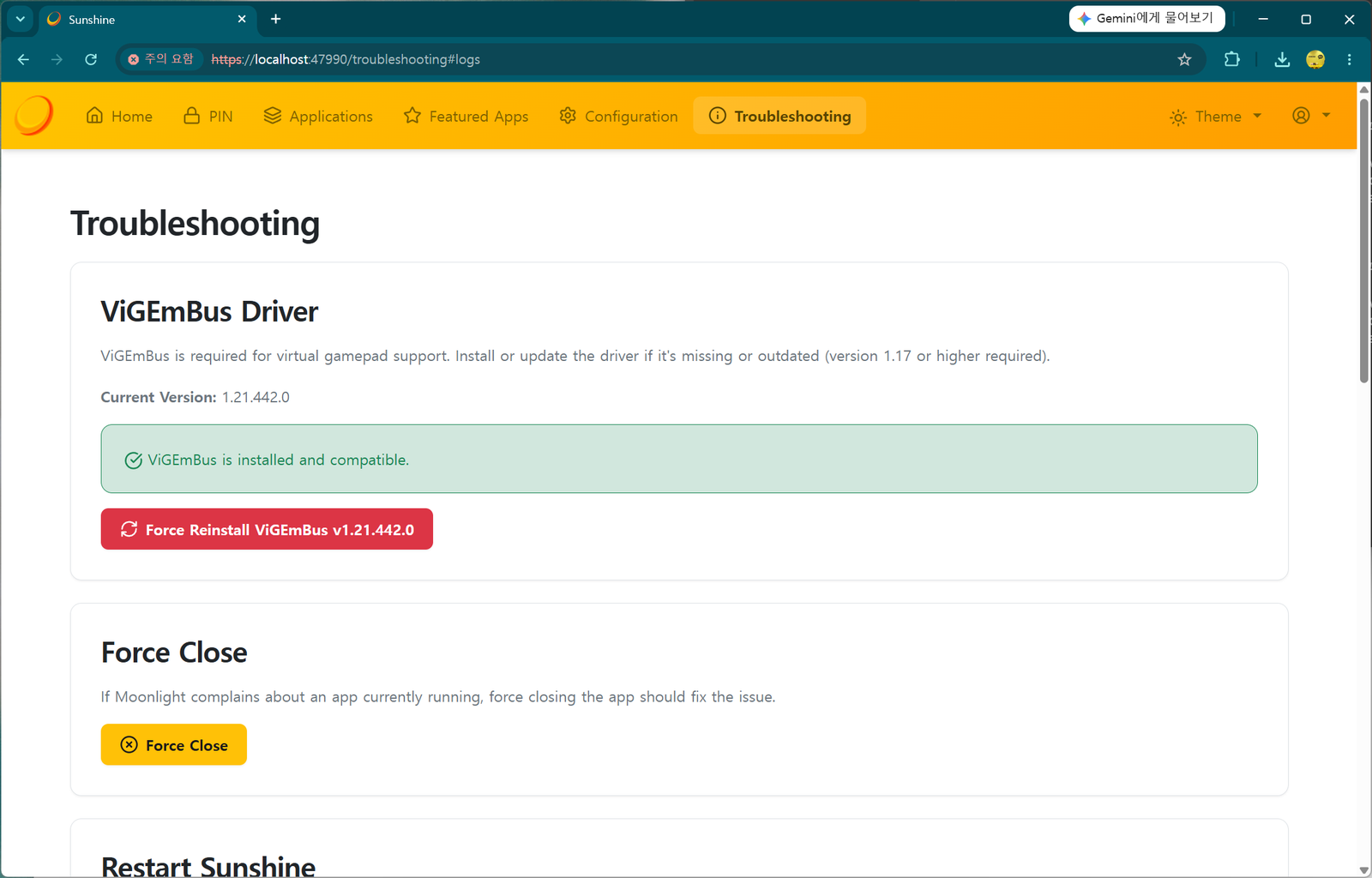
▲ The Troubleshooting screen after installing. A green "ViGEmBus is installed and compatible." means success.
Once everything is installed and the errors are gone, you'll see a clean Sunshine home screen. The PC side is now ready.
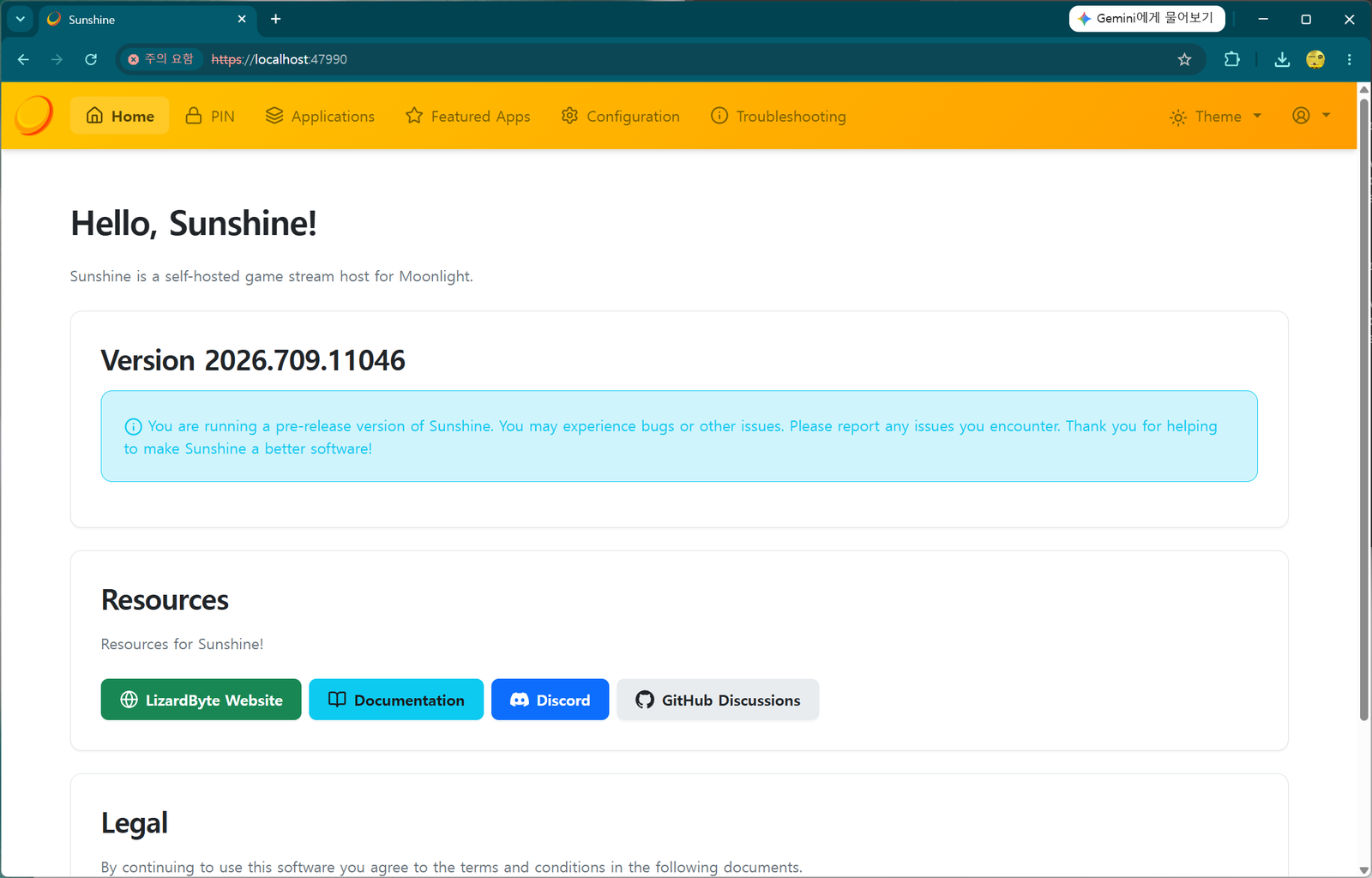
▲ The "Hello, Sunshine!" home screen with the warnings cleared. (The pre-release note is normal.)
STEP 3 Pair the TV and PC — speed matters
Now connect (pair) the TV and PC. Launch the Moonlight app on the TV's Apps, and under Add Host you can enter the PC's IP address.
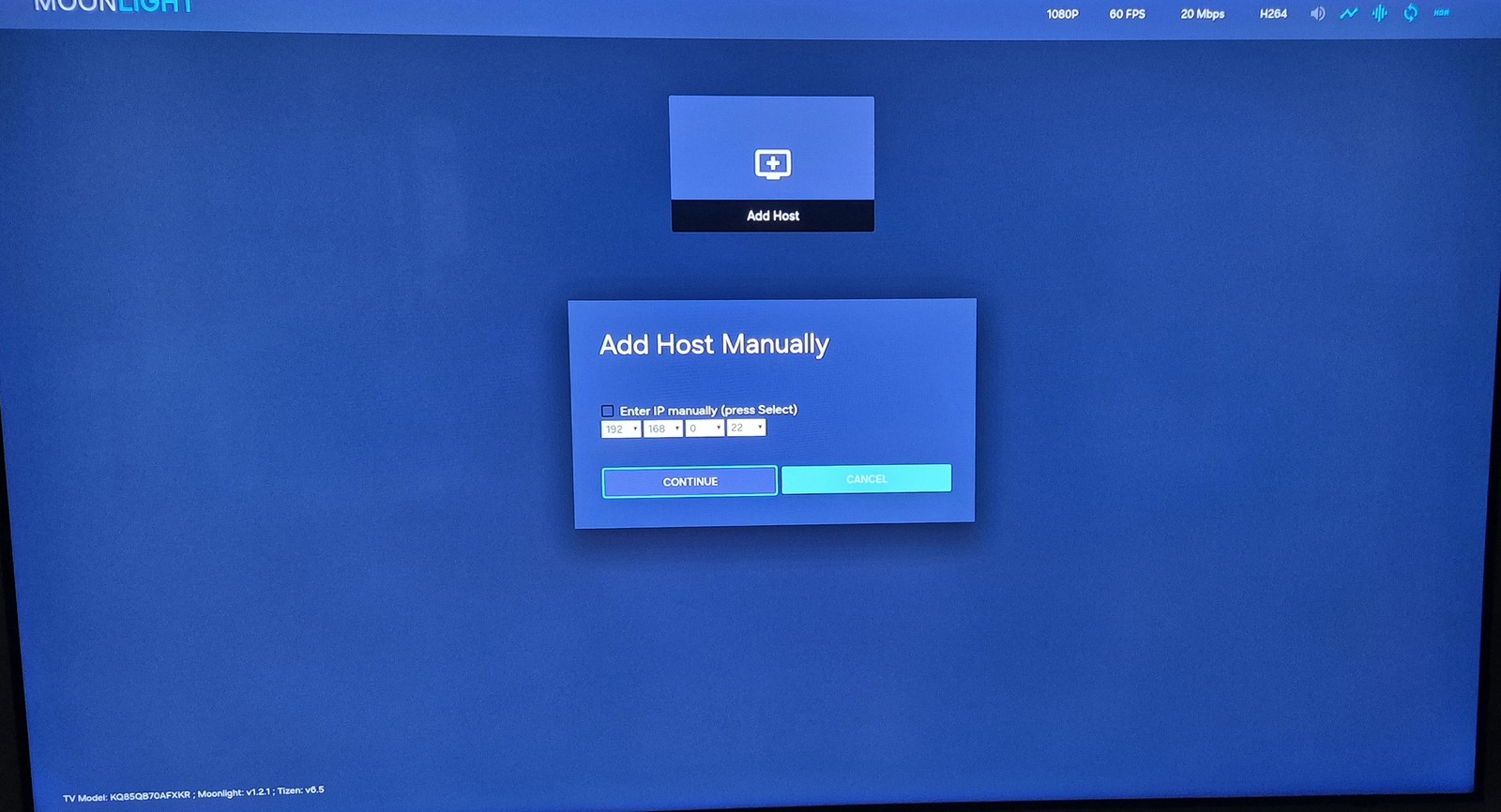
▲ Moonlight's 'Add Host Manually'. Check "Enter IP manually," type the PC's IP (e.g. 192.168.0.x), and press CONTINUE.
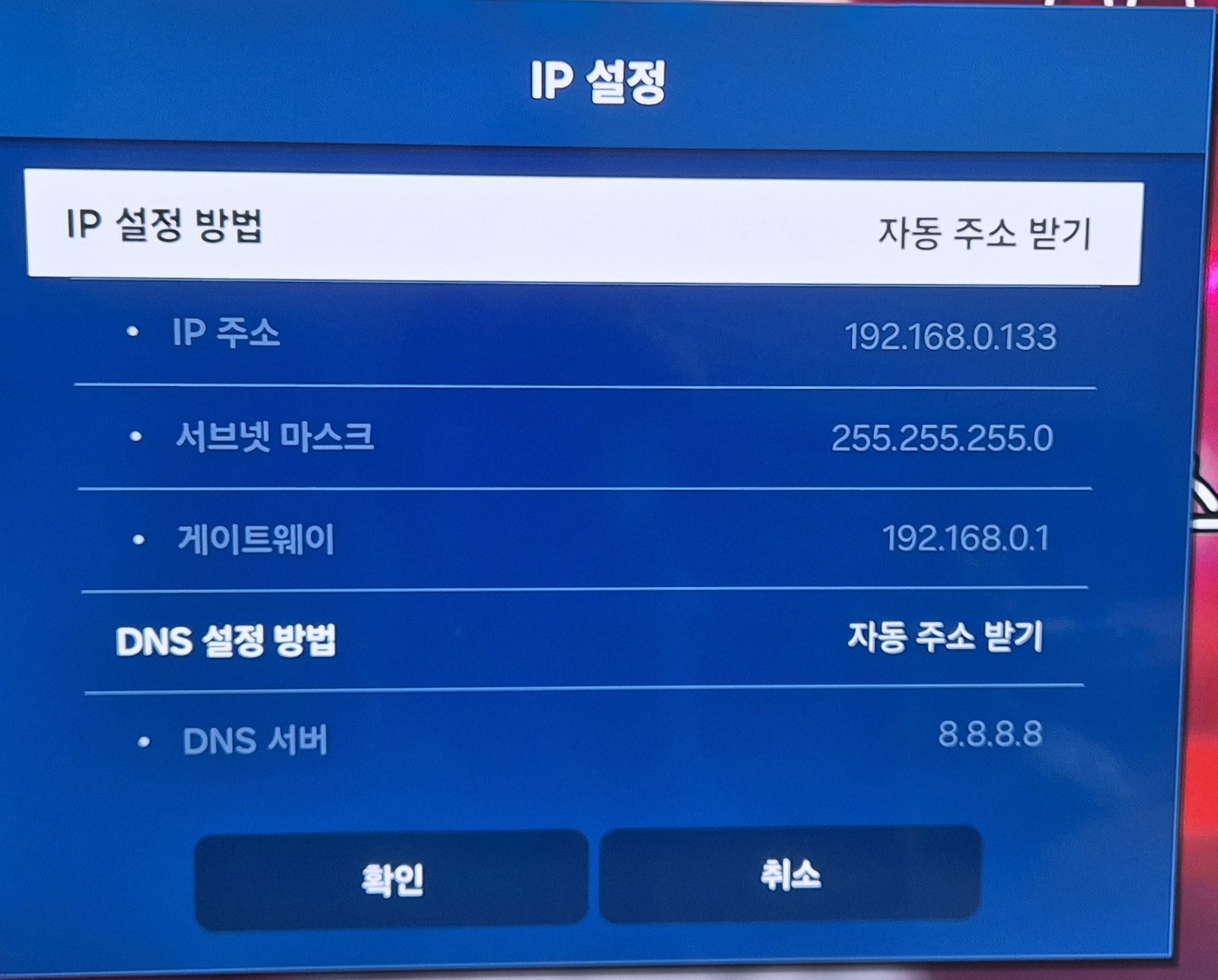
How to find the PC IP: on the PC, open Command Prompt (cmd), type ipconfig, and check the "IPv4 Address." It's usually 192.168.x.x.
After entering the IP, Moonlight shows a pairing code (PIN).

▲ The PIN shown by TV Moonlight (here 4569). This number is a random example that changes every time — always read the actual code on your own screen.
Now hurry over to the PC. The window is short.
In the PC's Sunshine web interface → PIN tab, enter the pairing code shown on the TV, type a device name (e.g. SamsungTV), and press Send.
⚠️ The code 4569 in these screenshots is only an example. The pairing code is freshly generated at random every time, so it will differ — do not type 4569. Read the code currently on your TV screen and enter that. It also expires within tens of seconds, so as soon as you see the PIN on the TV, go to the PC and enter it fast. If it expires, just retry in TV Moonlight for a new code.

▲ The PIN tab in the Sunshine web UI. Enter the code (4569) and device name (SamsungTV), then Send. As the warning says, only pair devices you trust.
When pairing succeeds, the connected PC appears next to Add Host in Moonlight, and clicking it shows launch options like Desktop / Steam Big Picture.
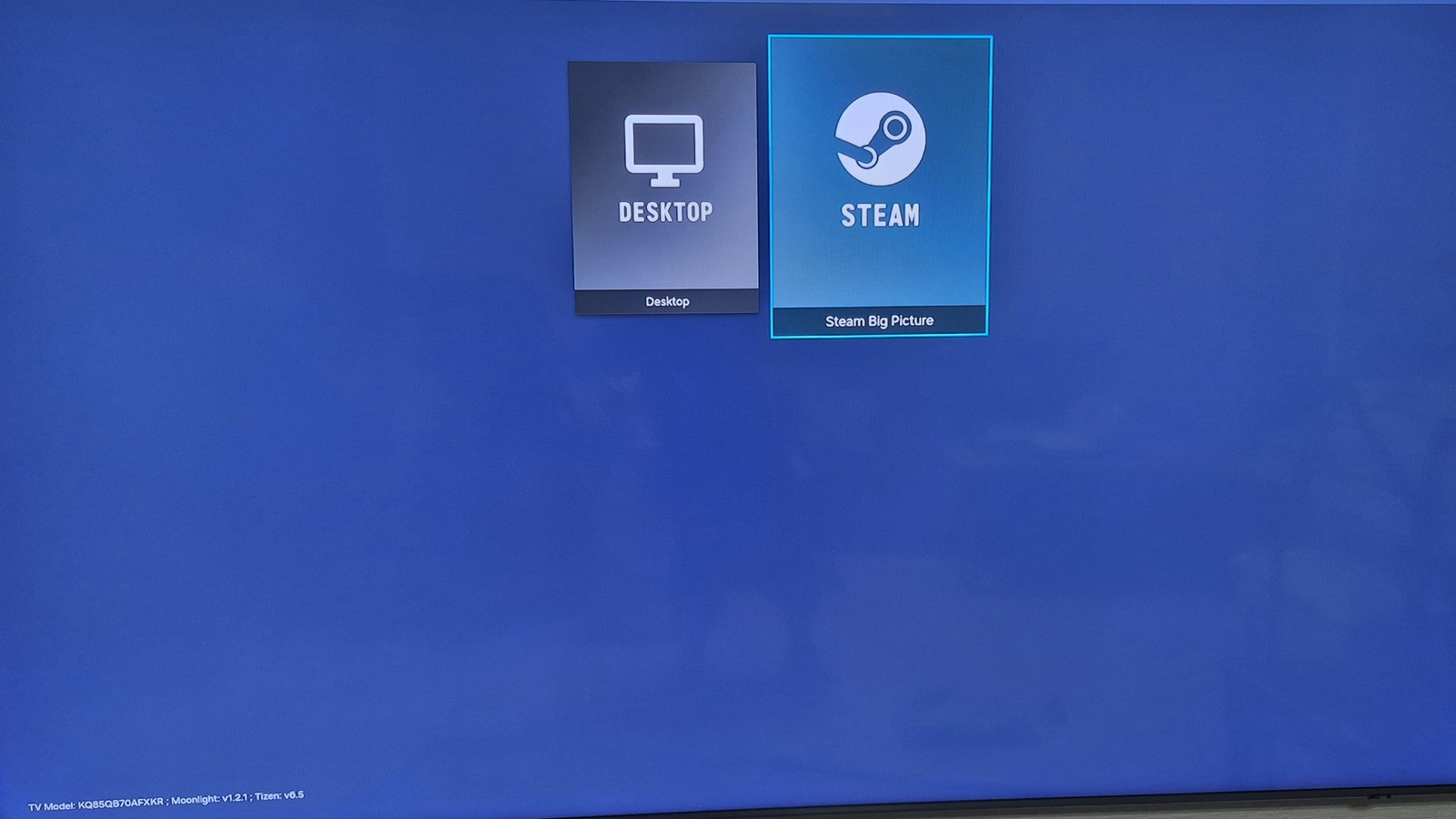
▲ Pairing done. You can choose Desktop (the raw PC desktop) or Steam Big Picture (Steam's TV mode).
STEP 4 Actually play — Steam Big Picture
For a test, since I have Steam installed on the PC, I chose Steam Big Picture and launched a game from my Steam library.
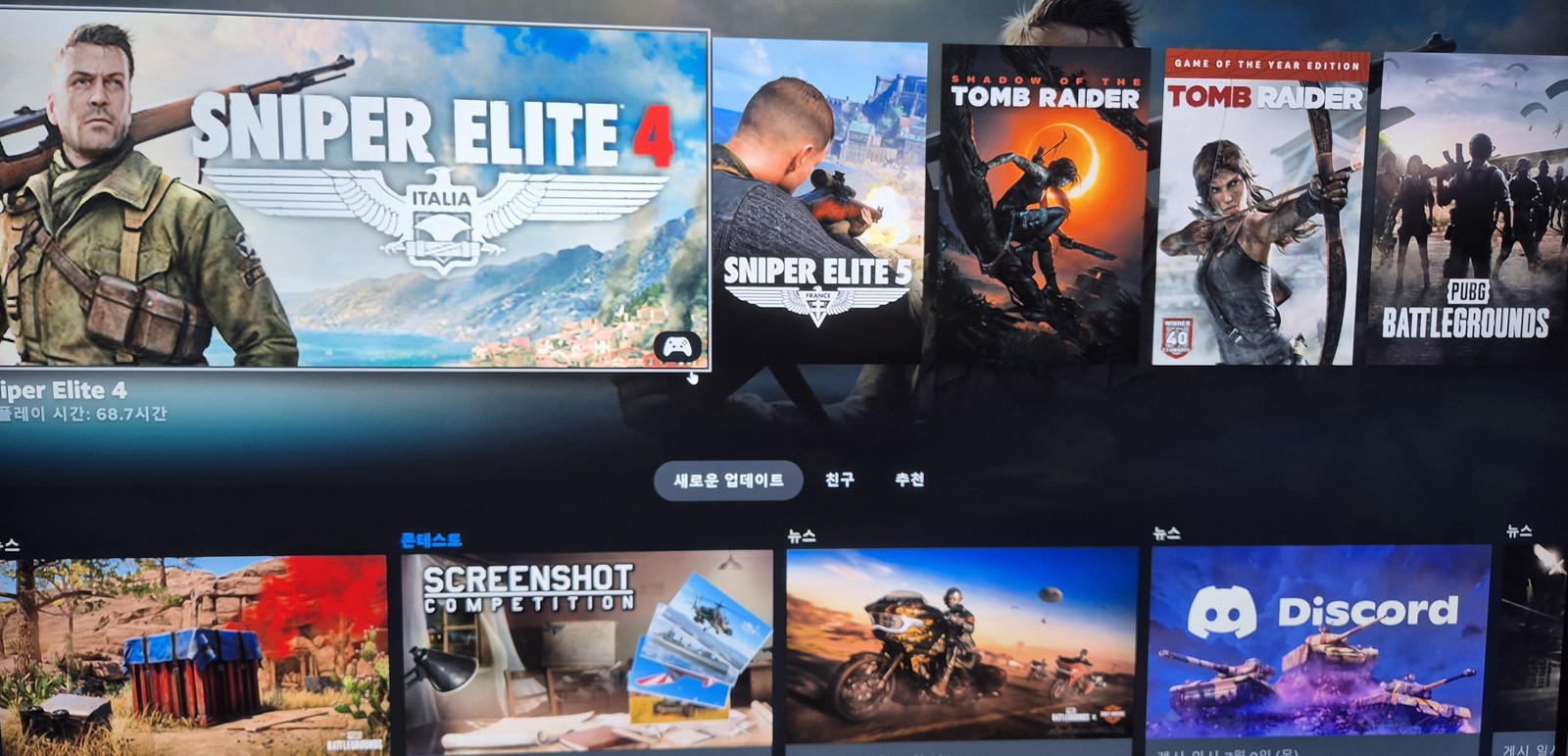
▲ The Steam Big Picture library on the TV. Your PC's game list spreads across the big screen as-is.
Input devices (keyboard/mouse/gamepad) are a must
To play PC games comfortably on the TV, you need a gamepad or a keyboard/mouse connected. My Logitech keyboard and mouse (from the PC) support pairing up to 3 devices, so I connected one channel to the TV over Bluetooth.
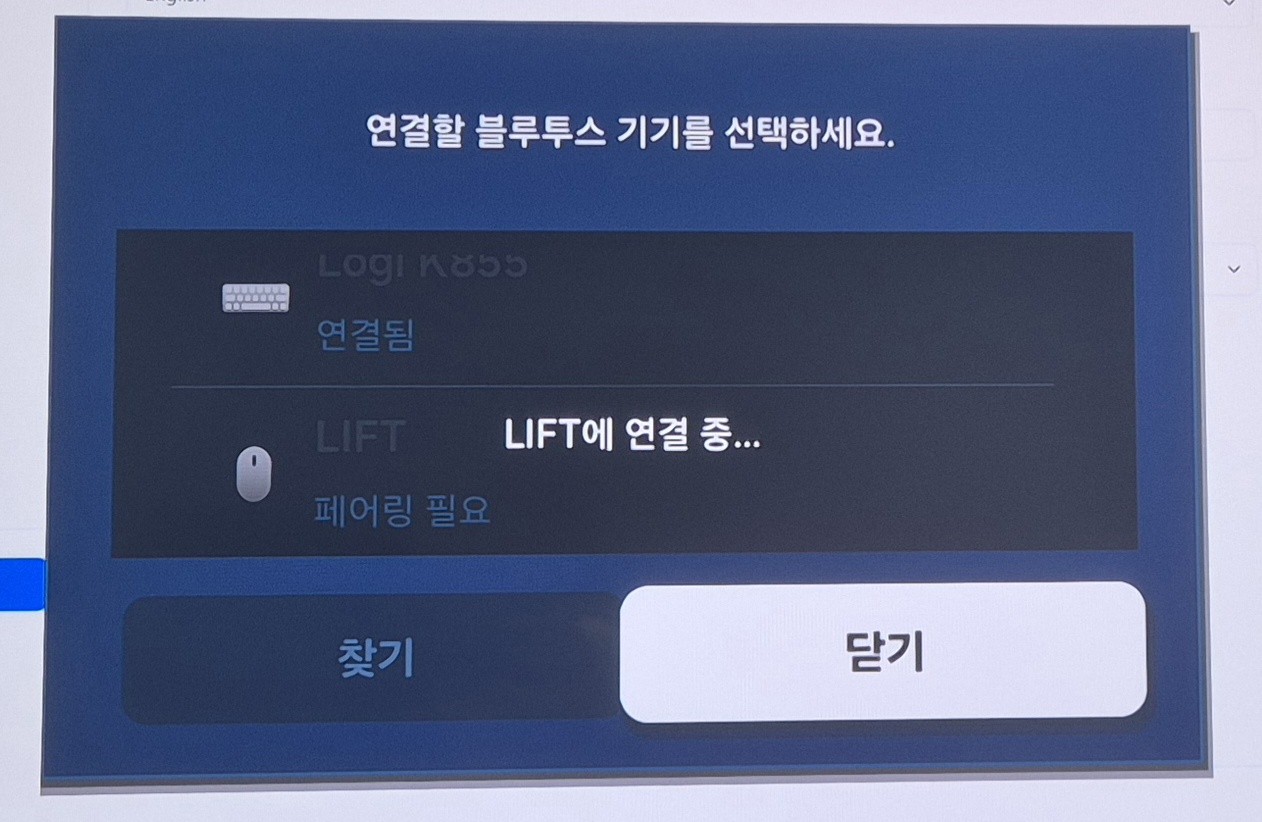
▲ Connecting a Logitech keyboard (K855) and LIFT mouse under Samsung TV's Bluetooth device list. Multi-pairing peripherals are handy here.
As a test I ran Sniper Elite 4. Because I was on Wi-Fi, there was a little image smearing (motion blur).

▲ Sniper Elite 4 on the big TV. In sudden scenes like explosions, the Wi-Fi smearing is slightly visible.
Still, the keyboard and mouse response was fast, like on the PC, and the lag was by no means bad enough to make it unplayable. The sheer satisfaction of playing my PC games on a huge TV was more than enough.
Wrap-up — want better quality? Go wired
The appeal here is playing with your PC's full power on a big TV, with no monthly subscription. In summary:
- Moonlight on the TV (receiver), Sunshine on the PC (host). Both free and open source.
- Install TV Moonlight via Apps2Samsung → see the previous post.
- On the PC: install Sunshine → ViGEmBus → PIN pairing, in that order.
- If image smearing bothers you, connect the PC by wired (gigabit) Ethernet — far more stable than Wi-Fi.
- For input, connect a multi-pairing keyboard/mouse or a gamepad to the TV over Bluetooth.
It's genuinely fun on a big screen, so if you have an NVIDIA PC and a Samsung TV, give it a try.
💡 You can also use it as a remote desktop, not just for games. After pairing, if you pick Desktop instead of Steam in Moonlight, your PC desktop appears on the TV. Connect a Bluetooth keyboard/mouse and you can control your PC from the couch on the big TV (web browsing, YouTube, documents, etc.) — basically a remote desktop.